

Scams are everywhere online these days. Whether it’s a suspicious email that claims to be from your “bank,” a text about a supposed missed package, or a weird message showing up on social media, it’s understandable if you hesitate whenever something unexpected appears on your screen. ChatGPT can be really handy here, acting almost like a second set of eyes to help you slow down and spot red flags. Just like when you ask a friend for advice, there are things ChatGPT can do and things it definitely can’t.
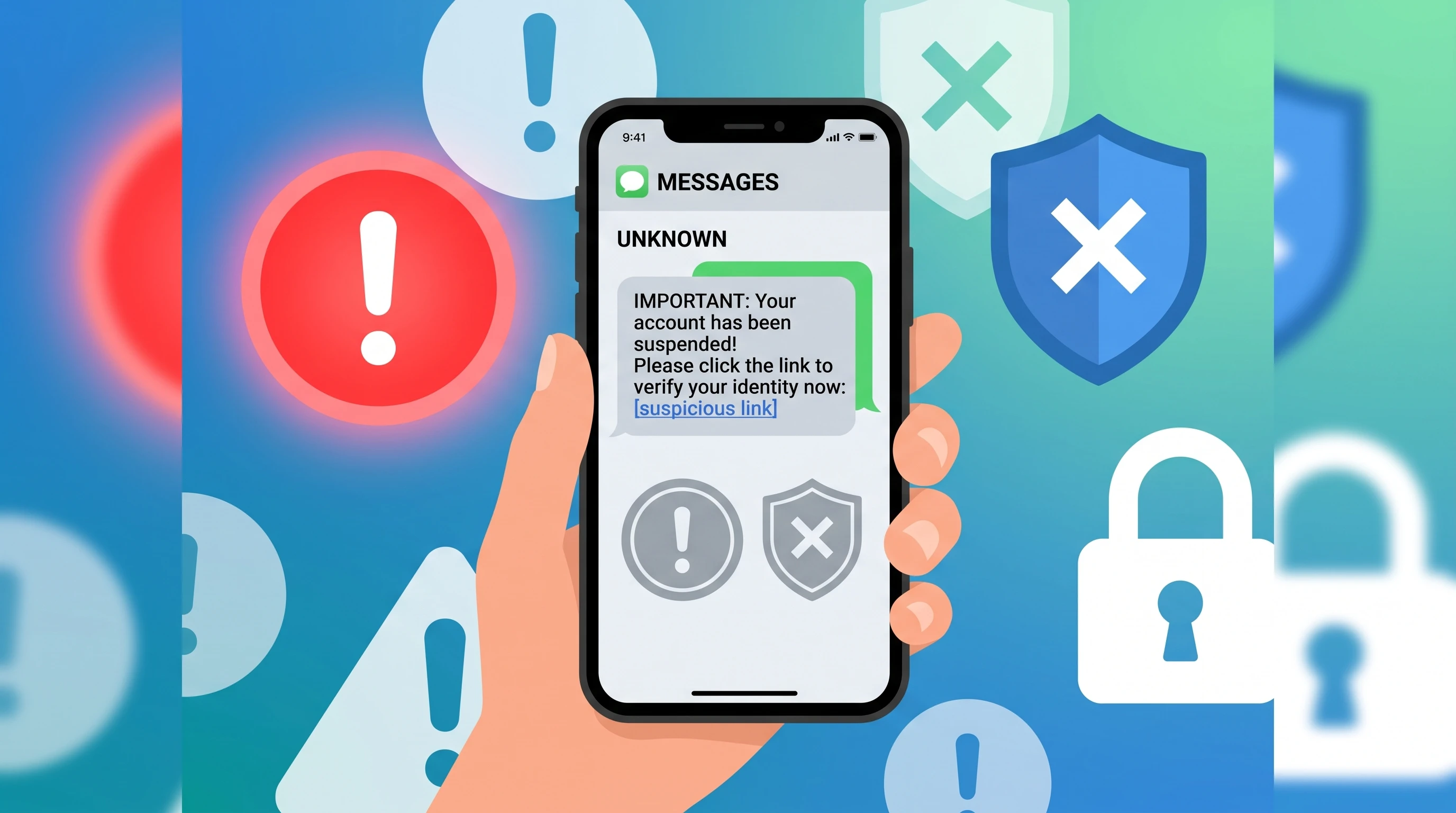
Table of Contents
- How ChatGPT Can Help When Something Feels Off
- Checking Images of Messages and Websites with ChatGPT
- What ChatGPT Can’t Really Do
- Make ChatGPT Challenge Its Own Answer
- Protect Your Privacy When Using ChatGPT
- How to Actually Check if a Message or Website Is Legit
- Sample Prompts You Can Copy Into ChatGPT
- Why ChatGPT Is Still Useful
How ChatGPT Can Help When Something Feels Off
One of the easiest ways to use ChatGPT in these situations is to copy and paste the text of a suspicious message and ask what looks fishy about it. ChatGPT can often point out common warning signs. Here’s an example of the type of message you might get via text or email:
Example suspicious text:
“🚚 Your package is being held. Please confirm payment details to avoid return. Click here: http://bit.ly/zxY9d2”
If you pasted the above into ChatGPT and asked, “Does this look like a scam? Tell me what looks suspicious and what I should check,” here are some of the warning signs ChatGPT might point out:
- Urgency (“please confirm payment details to avoid return”); that pressure is designed to get you to act fast without thinking
- An unexpected request for payment or personal information.
- Link uses a shortened or odd web address, which is often used to hide the real destination
- Unusual language, emoji, or formatting
- Lack of clear information about which company is contacting you
Sometimes, fraudsters push it further by claiming your bank account is locked, threatening legal action for unpaid tolls, or offering big prizes. ChatGPT can scan these too and help you spot things like:
- Requests for Social Security numbers, bank account details, or passwords
- Requests to pay with gift cards, wire transfers, or crypto
- Sender information that doesn’t match the supposed company
- Offers that sound too good to be true, like random refunds or sweepstakes wins
- Attempts to move the conversation to another app or platform quickly
See something suspicious?
- Don’t click anything.
- Ask ChatGPT what looks suspicious and what needs verification.
- Verify independently through a website, app, or phone number you already trust.
Checking Images of Messages and Websites with ChatGPT
If you’re on your smartphone or working with a screenshot, it’s even easier now to use ChatGPT’s image features. You can snap a photo of a suspicious text, email, or website and upload that picture straight into ChatGPT. That’s especially useful when copying and pasting isn’t possible. ChatGPT can look over the image for things like strange web addresses or odd formatting. For website screenshots, it might notice look-alike layouts that aren’t quite right or pick up on small changes in logos and company names. A screenshot can give ChatGPT more context to examine, especially when copying the message isn’t practical.
What ChatGPT Can’t Really Do
As helpful as ChatGPT can be, it’s not a lie detector and it’s not a cybersecurity expert. There are limits to what it can do, and it’s important to keep those in mind:
- ChatGPT can’t promise if something is absolutely a scam or legitimate
- It won’t always recognize sophisticated scams that look official (some scammers are really getting good!)
- It sometimes misses details or misunderstands the situation
- It can sound confident even if it’s wrong
- Professional looking messages can still be fake, and ChatGPT won’t spot every problem
The bottom line: ChatGPT helps you get more info so you can make smarter choices, but you still want another level of checking before trusting anything sensitive or important.
Make ChatGPT Challenge Its Own Answer
One useful trick is to ask ChatGPT to question its own conclusion.
For example, suppose you show ChatGPT a suspicious email and it says the message might be legitimate. Instead of stopping there, try asking:
“Assume your first answer is wrong. What signs could suggest this is actually a scam?”
That can cause ChatGPT to look at the message from a different angle and point out details it didn’t emphasize the first time.
You can also turn the question around:
“Assume this message really is legitimate. What would I need to independently verify before trusting it?”
I like this approach because you’re not asking ChatGPT to simply give you a yes-or-no answer. You’re asking it to test its own reasoning.
You can use the same technique whenever you’re uncertain about an AI response: don’t just ask ChatGPT for an answer. Ask it to challenge that answer, too.
And remember, even after doing this, ChatGPT hasn’t proven whether the message is real or fake. You should still verify it independently before clicking a link, sending money, or providing personal information.
Protect Your Privacy When Using ChatGPT
If you’re going to paste, upload, or send anything to ChatGPT, take a quick moment to remove or cover up any personal stuff first. That means:
- Don’t include passwords, Social Security numbers, account numbers, or credit/debit card numbers
- Don’t share medical info, photos of IDs, or insurance details
- Blur or cover up QR codes and verification codes
- If you need to show a name or account number, just make it up instead
Think of ChatGPT like someone helping you check your mail. It’s safest if you leave out the private details and just ask about what’s suspicious.
How to Actually Check if a Message or Website Is Legit
Even if ChatGPT lists out all the right warning signs, it’s still up to you to figure out if something is for real. Here are a few steps I always rely on and recommend:
- If you get a message about a bank, package, or bill, always go directly to the company’s official site or app; don’t use links or numbers in the weird message.
- If you’re unsure which website to trust, check a recent statement, the back of your card, or use a phone number you already know is genuine.
- If the message seems to be about a government benefit, prize, or refund, go to the organization’s official website and use their real contact info.
- Never let anyone rush you. Don’t let urgency push you into acting before you verify the message.
My personal rule: Use ChatGPT to investigate, not to decide. It’s there to help you slow down, spot issues, and suggest questions to ask next. Get confirmation from a source you already trust, not from the message that just landed in your inbox.
Sample Prompts You Can Copy Into ChatGPT
If you’re unsure what to ask, here are some easy prompts (just paste your suspicious message or describe your screenshot and pair it with one of these):
- Does this message show signs of being a scam? Explain each warning sign in plain English.
- Don’t assume this is legitimate. What would you check before responding?
- What info should I NOT give to the sender?
- How can I double-check whether this message really came from [company]?
- I received this message out of the blue. Tell me a safe step-by-step way to check it out without clicking any links.
Why ChatGPT Is Still Useful
ChatGPT’s real value here isn’t that it can magically tell you whether something is fake. It’s that it can help you slow down, notice warning signs, and figure out what to verify next.
If a message feels suspicious, don’t click the link or reply right away. Ask ChatGPT what looks unusual, then verify the message using a source you already trust.
My rule is simple: Use ChatGPT to investigate, not to decide.
There are no affiliate links in this post but feel free to read our affiliate disclosure.